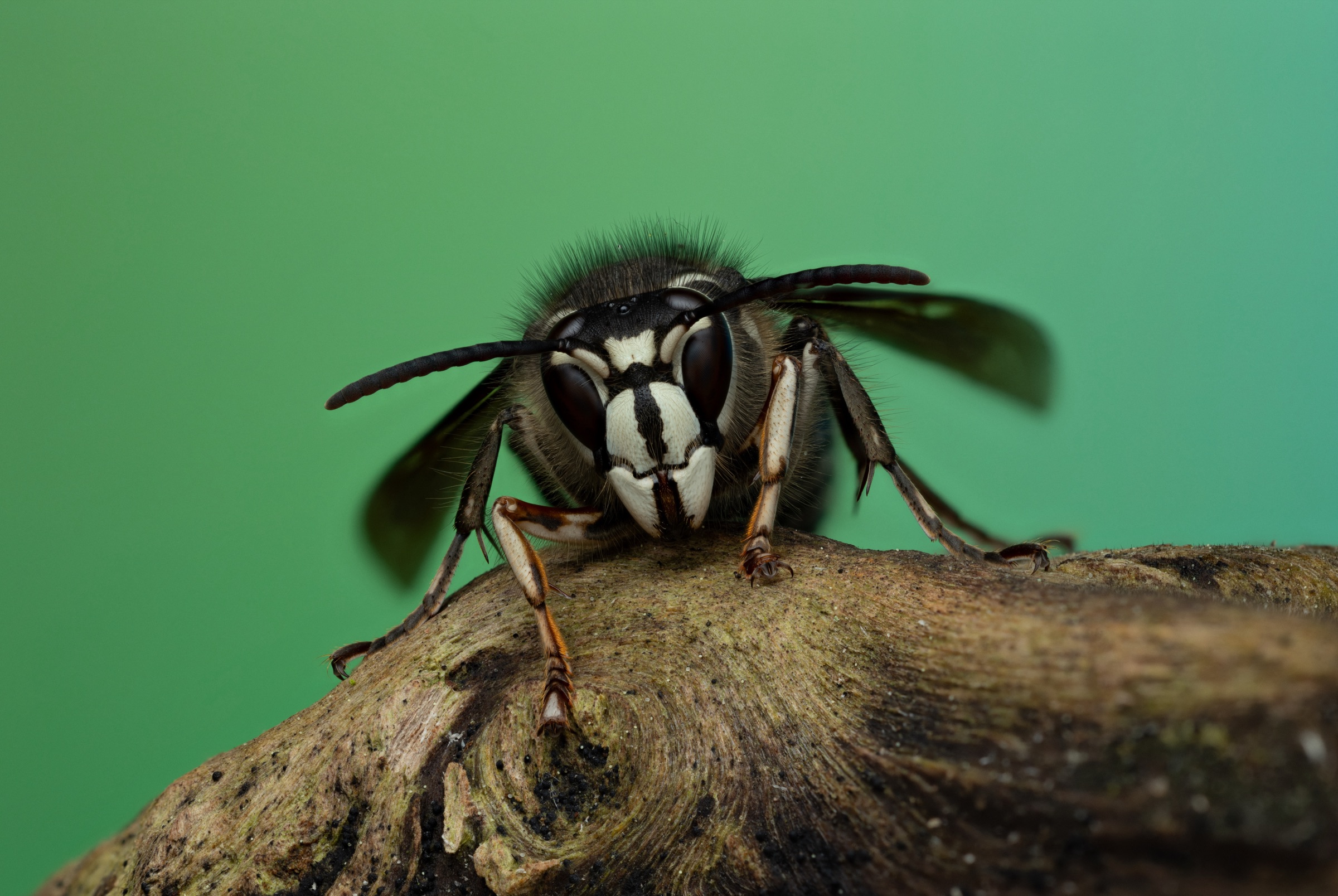
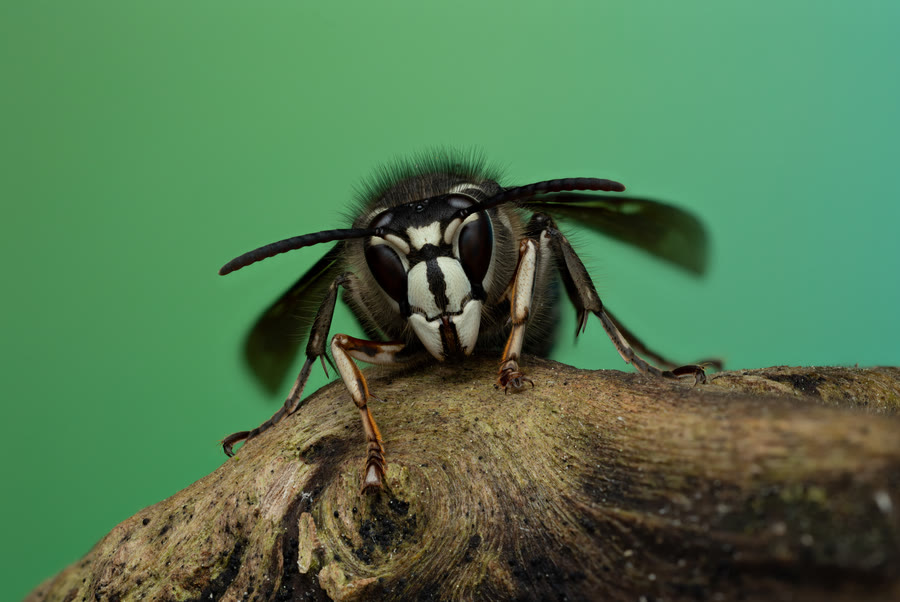
Hornet66 JPEG frames, handheld2.0 s on an Apple M5 MaxView in gallery
Free & open source · macOS · Windows · Linux · iPhone & iPad soon
Focus stacking in seconds.
GPU-accelerated focus stacking for macro, product, and landscape photography. Stack camera RAW frames straight to 16-bit linear DNG, choose from three methods, and retouch from any source frame, in seconds rather than minutes.
- 2.0 s
- 66 JPEG frames, 45 MP, handheld
- 5.2 s
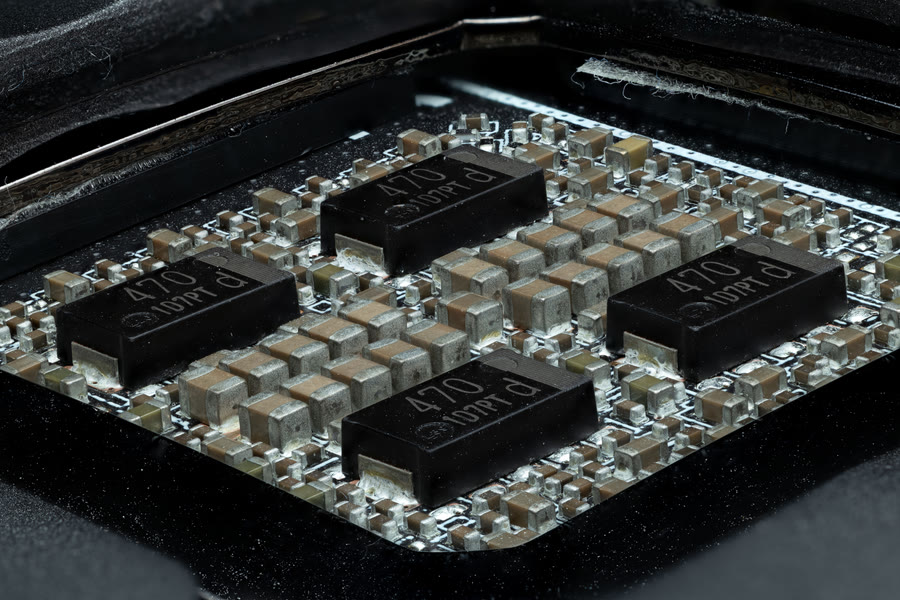
- 200 JPEG frames, 45 MP, tripod
- RAW in, DNG out
- 16-bit linear · floating-point precision
- Free
- Open source (GPL-3.0) · no tiers or account
The app
From a folder of frames to a finished stack
Drop a folder of focus-bracketed frames onto the window, pick a stacking method, and press Stack. Inspect the result at 100%, retouch problem edges from any source frame, and export.

At 100%
Single frame vs. stacked result
Drag the line to compare one source frame with the full 66-frame stack. Every gallery image opens at full resolution, and the source frames are available to download so you can test them yourself.
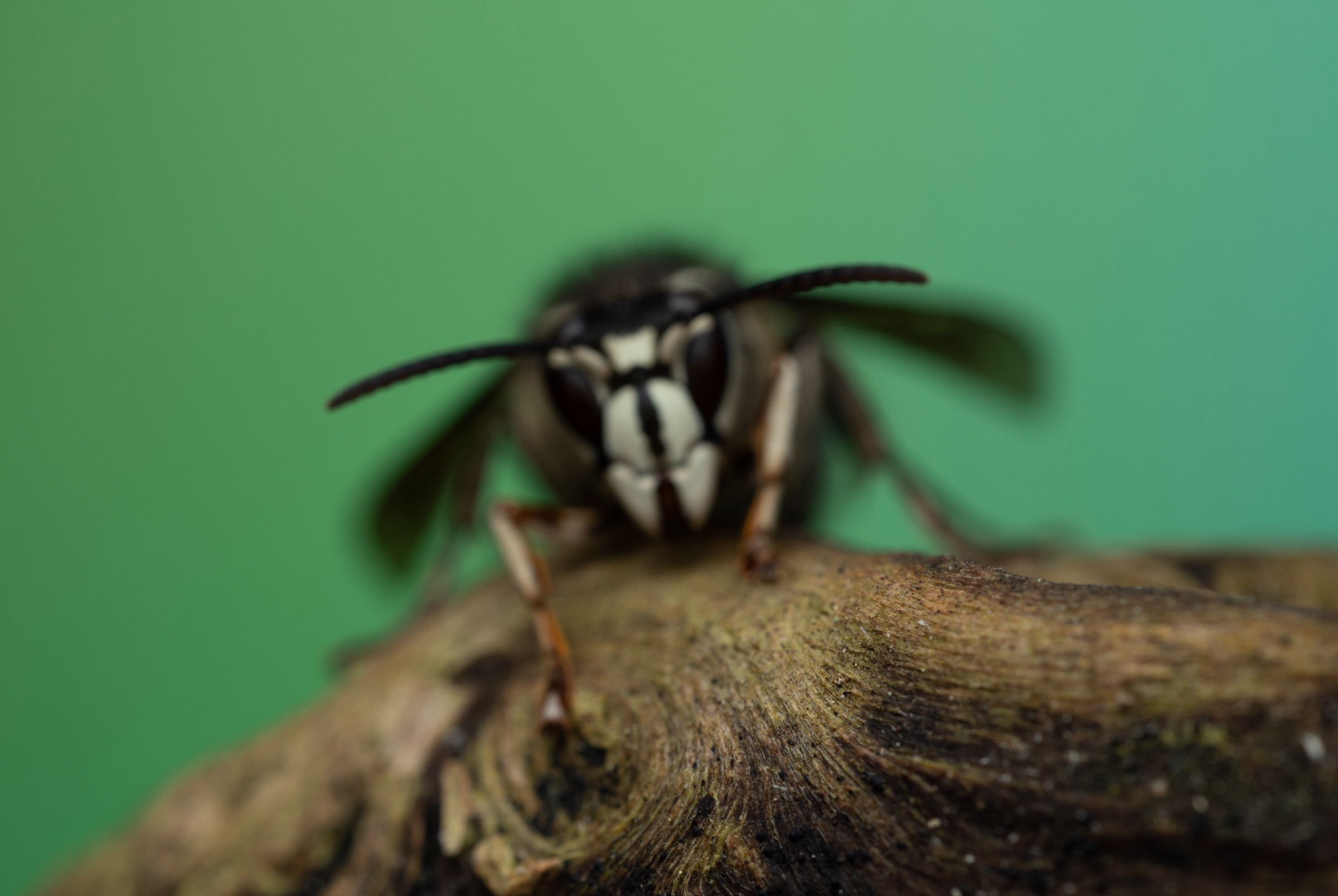 Frame 1 of 66All 66, stacked
Pyramid default
Blends detail across multiple scales to keep crossing hairs, bristles, and antennae crisp and separate. The best all-around starting point.
How Pyramid worksDepth
Builds a depth map to keep smooth gradients, plain backgrounds, and colors true to the original frames, with minimal halos on high-contrast edges.
How Depth worksWavelet
Selects the strongest detail at each scale while taking each pixel's color whole from a single frame. Ideal for fine repeating textures and complex micro-detail.
How Wavelet worksNeed the best of two methods on one subject? Stack with both and paint one onto the other during retouching. No artificial sharpening or contrast is added afterward. Choosing a method compares all three on the same subjects.
Timings
200 frames at 45 MP in 5.2 seconds
That's 1,722 MP/s: 9 billion pixels read off disk, decoded, aligned, and blended end to end. The same 200 camera RAW (CR3) frames stack in 34.1 seconds with no separate conversion step. Because frames stream through memory a few at a time, a 300-frame stack uses no more RAM than a 30-frame one.
| Stack | Apple M5 Max (32-core GPU) | Ryzen 9 9950X3D + RTX 5090 | iPad Pro 13" (M5) | iPhone Duo |
|---|---|---|---|---|
| 66 JPEG frames, handheldHornet · 45 MP | 2.0 s | 2.0 s | 6.5 s | 8.6 s |
| 200 JPEG frames, tripodCircuit board · 45 MP | 5.2 s | 4.9 s | 29.2 s | 37.8 s |
| 200 RAW frames (CR3, LibRaw)Circuit board · 45 MP, no conversion step | 34.1 s | 35.0 s | 90.7 s | 133.3 s |
45 MP frames, the Pyramid method, from the first file read to the finished picture (median of five runs, live app path).
Time your own. Download these frames, or run
deptheos bench <folder> --live --repeat 5 --cool 30 on a folder of yours.
How these were timed
Canon EOS R5 Mark II with the RF 100 mm macro, 8192 × 5464. Apple M5 Max (32-core GPU), 36 GB, macOS 27.2, plugged in; Ryzen 9 9950X3D + RTX 5090, 64 GB, Windows 11 Pro 26H2; iPad Pro 13" (M5), 12 GB, iPadOS 27.2.1; iPhone Duo, iOS 27.2. Each time is the median of five runs, timed as the app stacks (Pyramid, aligned with ECC, with the live preview), from reading and decoding the frames to the finished picture; saving is not timed. The shaders were warmed up first, the files were in the system's cache, and the machine sat idle for 30 seconds before each run, as between one stack and the next. The RAW row decodes the camera's own CR3 files with LibRaw, the decoder built into the app, with the Adobe Standard camera profile; on desktop with Adobe DNG Converter installed, the app can convert them with it instead (Camera RAW). Timed on 2026-11-21 (Mac, build e1f4e113), 2026-11-21 (PC, build dc7e87fc), 2026-11-22 (iPad), and 2026-11-22 (iPhone).
Workflow
Built for the full workflow
From camera RAW files to precision alignment, non-destructive retouching, comparison, and batch export.
RAW in, linear DNG out
Stack CR3, NEF, ARW, RAF, and DNG files directly with no separate conversion step. The stacked result exports as a 16-bit linear DNG that Lightroom and Camera Raw open like a RAW file, with white balance and tone controls intact.
Built-in LibRaw decodes camera RAW files out of the box with Adobe camera profiles, or you can optionally use Adobe DNG Converter for Adobe's own demosaic. Deptheos writes linear DNGs natively on macOS, Windows, and Linux.

Retouch from any source frame
Paint clean detail onto your stacked result from any individual source frame, or from another method's result. Option-click (Alt-click) any spot to jump directly to the sharpest frame there, with a live preview inside the brush before you paint.
Retouching is non-destructive and saved with the stack, and the Eraser paints the original stacked result back at any time.

Inspect and compare at 100%
Compare two stacked results, or a result against any aligned source frame, with a draggable Split view, or switch to Side by Side, Top and Bottom, and Flicker, all locked to the same pan and zoom.
Optional Depth Map and Contribution views show which frame supplied each part of the image, making it easy to track down halos or problem edges.

Automatic alignment
Focus breathing changes magnification between shots, and handheld brackets shift and rotate. Automatic sub-pixel ECC alignment corrects shift, rotation, scale, stretch, and slant with zero settings required. A configurable Grid search mode (with exposure compensation) handles brackets with larger jumps between shots.
Shoot near to far or far to near. Frames that cannot be aligned are skipped and reported so the rest of the stack completes cleanly.

Batch processing and CLI
Point Batch at a folder of folders for one stack per folder, or let it split a folder of mixed shots into separate stacks by capture time. It stacks them in turn and exports each as it finishes. Any stack that fails is kept with its error so you can open and retry it.
The deptheos command-line tool runs the same stacking, batch, alignment, and sequence workflows from a terminal.

Non-destructive render history
Every stacked result (called a render in Deptheos) is saved in the Library along with the exact method, settings, and retouching that produced it. Re-stack with a different method and compare results side by side.
Your source frames are read-only. Deptheos never modifies, moves, or deletes them.

iPhone and iPad · coming soon
The same stacking engine on iPhone and iPad
Everything runs on the device, and nothing is uploaded. Import 45 MP brackets from Photos, Files, or an external drive, stack with Pyramid, Depth, or Wavelet, and retouch with Apple Pencil on iPad.

Open source
Free and open source
Free, no tiers
Every stacking method, RAW and linear DNG support, retouching, batch processing, and the CLI are included in one download. The source is on GitHub under GPL-3.0.
Native GPU engine
Written in Rust with Metal, DirectX 12, and Vulkan compute shaders for fast startup, low memory use, and full GPU throughput.
Independent project
Built as an independent solo project: the fast, modern, GPU-accelerated focus stacker I wanted to use. Questions and bug reports go to GitHub or support@deptheos.com. About Deptheos
Samples
Gallery
Download
Free on macOS, Windows, and Linux
Runs on Apple silicon Macs, Windows 10 or later, and Linux, even on integrated graphics. No account, no watermark, no paid tiers. The iPhone and iPad app is coming soon.